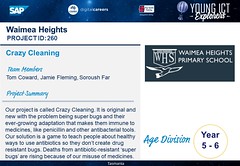

What is a YICTE Project?
A Young ICT Explorers (YICTE) project is a student‑created digital solution that responds to a real‑world need. Students design, build and explain a project that uses digital technologies to solve a problem, improve lives or explore a creative idea. Projects can be created by individuals or teams of up to four students from Years 3–12.

Examples of Eligible YICTE Projects
Supporting daily wellbeing
Some students struggle to remember medication or follow daily routines. A project might be a mobile app that sends timed reminders, tracks doses and alerts a parent or carer if a reminder is missed. The app uses a simple database and notification system to support wellbeing.
Protecting local wildlife
Wildlife near school zones is often injured by cars. A team could build an AI‑enabled camera system using a microcontroller and image‑recognition model that detects animals approaching the roadside and activates flashing LED warnings for drivers.
Teaching cyber‑safety
Younger students often find cyber‑safety concepts confusing. A project could be an interactive game that places players in simulated online scenarios and uses branching logic to show the consequences of different choices.
Caring for school gardens
School gardens frequently die over holidays. Students might design a smart irrigation system using moisture and temperature sensors connected to a microcontroller. The system waters plants only when needed and displays live data on a simple dashboard.
Improving accessibility at home
People with limited mobility can find it difficult to reach light switches. A team could create a voice‑controlled home‑automation prototype using a microcontroller, relay and speech‑to‑text software to operate lights through voice commands.
Managing homework and deadlines
Many students feel overwhelmed by competing deadlines. A project might be a web‑based planner that uses a scheduling algorithm to break tasks into manageable steps and sends reminders based on predicted workload.
Monitoring air quality during bushfire season
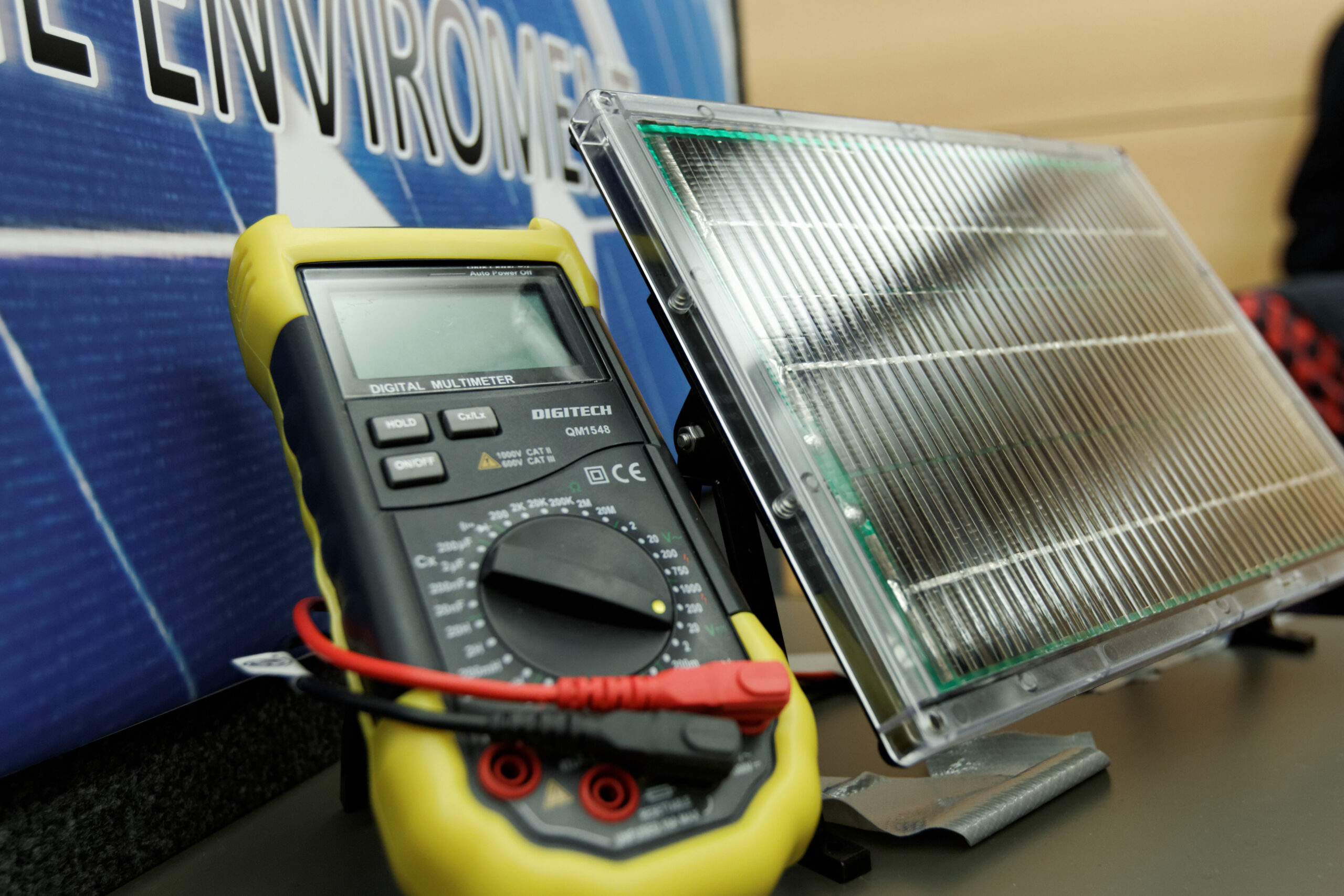
Bushfire smoke can make outdoor activity unsafe. A team might design a portable air‑quality sensor that collects particulate data and sends it to a mobile app, which displays colour‑coded warnings and suggests safer activity times.
Supporting students with dyslexia
Students with dyslexia may need help reading printed materials. A project could be an assistive reading tool that uses optical character recognition to scan text and read it aloud, with adjustable speed, voice and contrast settings.
Helping visitors navigate a school campus
Visitors often get lost on large campuses. Students might create an augmented‑reality navigation app that overlays directional arrows on the camera view using simple mapping data and image markers placed around the school.

ICT and Digital Technologies Components in YICTE Projects
YICTE projects demonstrate the same skills and concepts taught in the Australian Digital Technologies Curriculum. Students show their understanding of how digital systems work and how digital solutions are created.
Digital systems
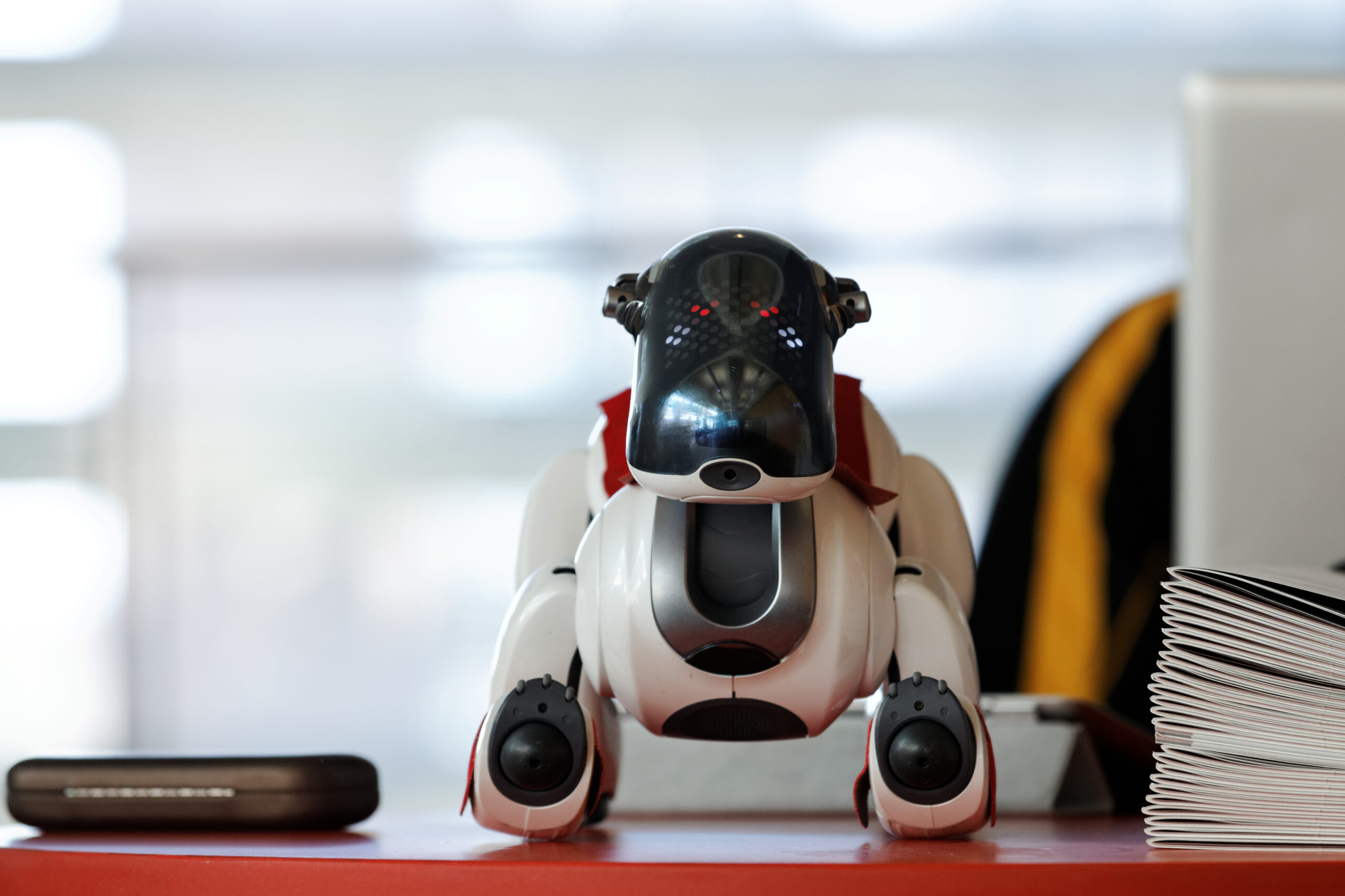
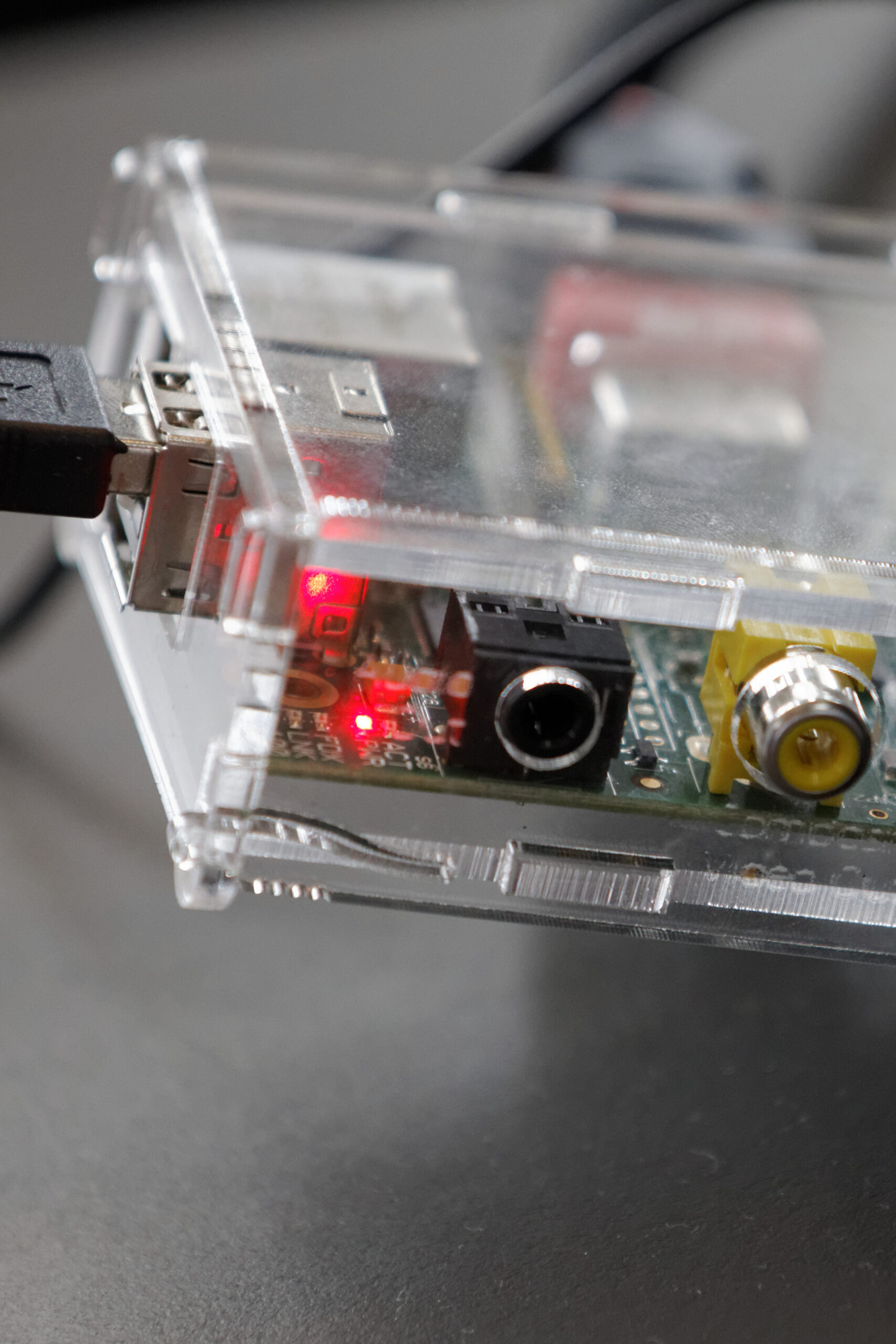
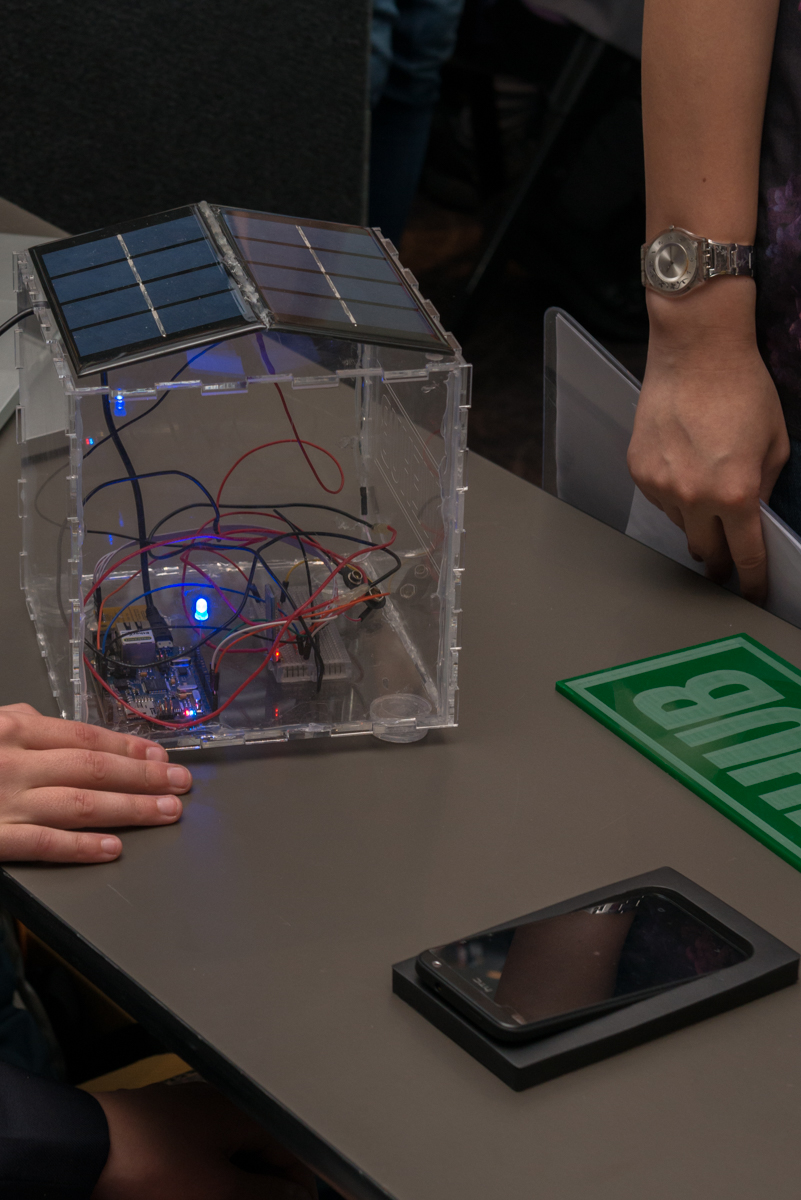
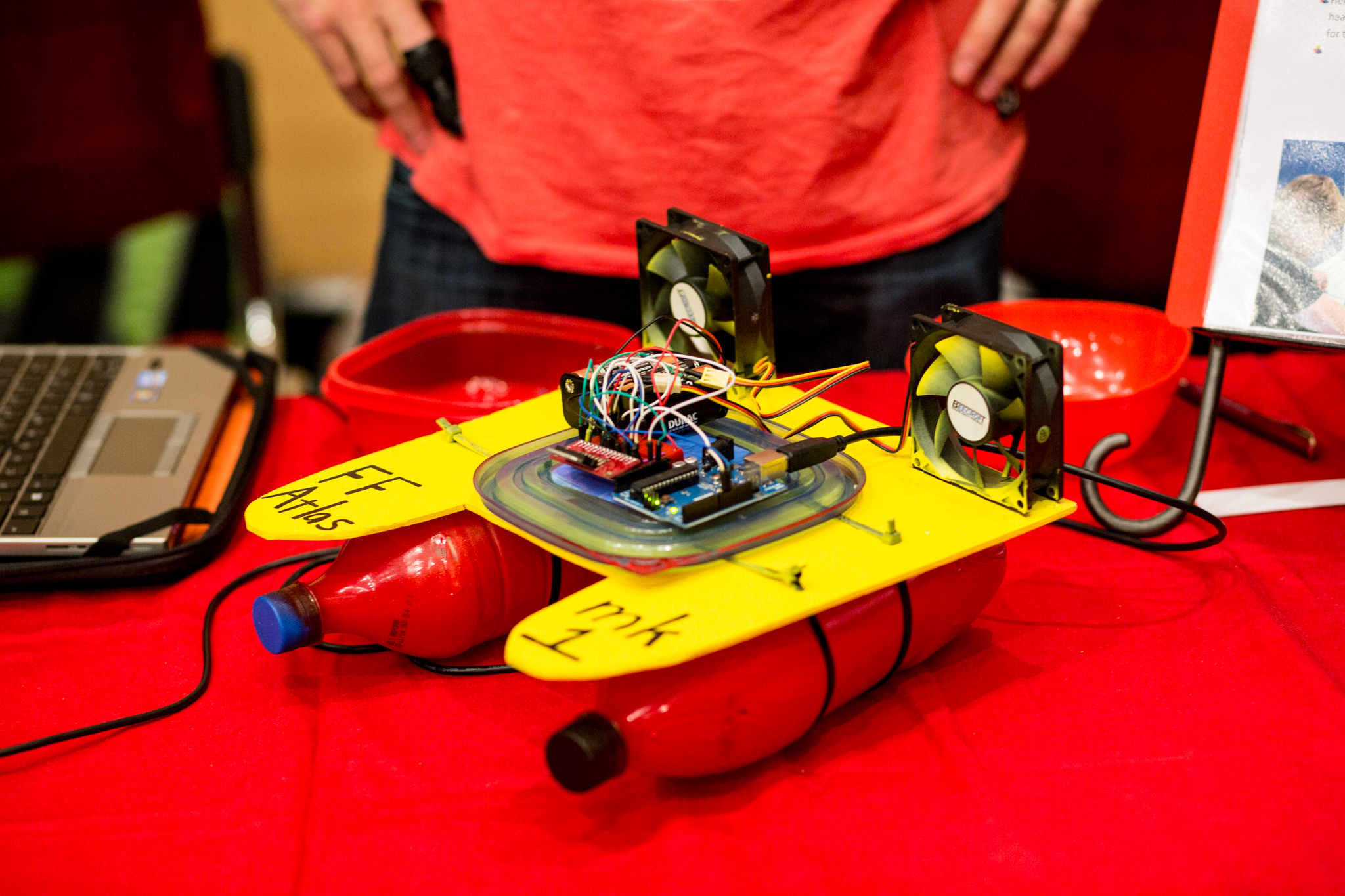
Projects often combine hardware and software to form a working system. This might include microcontrollers, sensors, cameras, motors or cloud‑based services.
Data and information
Projects may collect, store, analyse or present data. Students might gather sensor readings, user inputs, images or survey results, then use algorithms or logic to turn that data into meaningful information.
Algorithms and computational thinking
Students design step‑by‑step instructions that sort data, trigger actions, calculate results or guide user interactions. This demonstrates problem decomposition, pattern recognition and logical reasoning.
Software development
Students use coding tools—block‑based or text‑based—to implement the logic and functionality of their solution. This may include apps, games, websites or embedded systems.
User interface and user experience
Projects often include an interface such as an app screen, website layout, game environment or dashboard. Students design interfaces that are clear, accessible and purposeful.
Networks and communication
Some solutions involve devices communicating with each other, such as sending data from a sensor to an app via Wi‑Fi or Bluetooth, or storing information in the cloud.
Security and privacy
Projects that handle personal information or online interactions show awareness of safe data practices, such as permissions, login systems or cyber‑safe design choices.
How the Digital Technologies Curriculum Aligns with YICTE
Young ICT Explorers aligns closely with the Australian Digital Technologies Curriculum because both focus on students identifying real problems and creating digital solutions to address them. The curriculum teaches the skills; YICTE provides a meaningful place to apply them.
Learning through real problems
The curriculum asks students to define problems, think logically and design solutions. YICTE mirrors this by encouraging students to choose an issue that matters to them and build a digital response.
Building digital systems
Students learn about hardware, software, data and networks. YICTE projects put this into practice through microcontrollers, sensors, coding platforms and online tools.
Creating and evaluating solutions
Students are taught to design, test and refine digital solutions. YICTE reinforces this by asking students to document their thinking, explain how their solution works and reflect on its purpose and impact.
Using data and algorithms
The curriculum teaches students to collect data, recognise patterns and design algorithms. YICTE projects demonstrate this when students build systems that make decisions, automate tasks or present information clearly.
Young ICT Explorers is a practical extension of the Australian Digital Technologies Curriculum. Everything students learn in class—coding, problem‑solving, working with data, understanding digital systems—comes together in a real project they design themselves. The competition gives students a chance to apply their learning in a creative, hands‑on way and show how digital technologies can solve real problems in their world.